About Us
 How We Work
 FAQ's
FAQ's Why Choose Us
 Our Testimonials
 Our Gallery
 Smart Boards
 Computer Labs
 Lab Equipment
 White & Notice Boards
 CCTV Systems
 Deskbenches
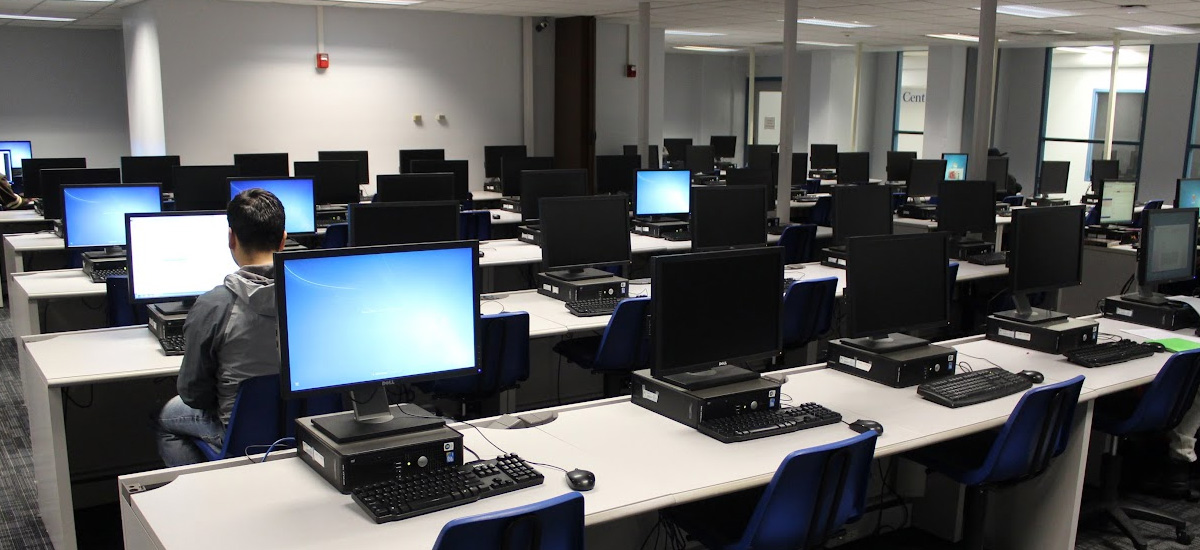
Desktop PCs with Complete Computer Lab Setup
End-to-End Design, Installation & Maintenance
At Vedsar, we don’t just install computers — we create complete digital learning and training environments.
From selecting the right hardware to arranging ergonomic furniture, setting up networking, installing licensed software, and training your staff — we deliver turnkey computer lab solutions that are ready to use from day one.
Get Started NowOur 6-Step Lab Setup Process

Step 1
Consultation & Site Survey
Understand your requirements: number of systems, usage type, budget.
Measure room dimensions for space planning.
Assess power supply, lighting, ventilation, and network feasibility.
Step 2
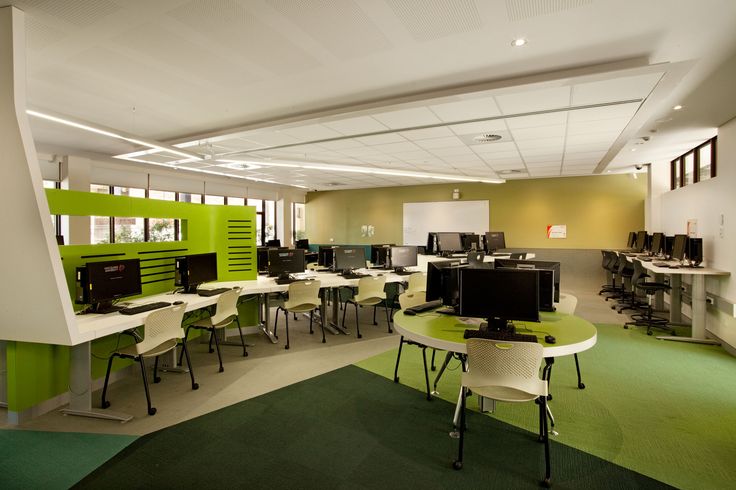
Custom Lab Design
Create 2D/3D layouts for desks, seating, and cable routing.
Plan for ergonomic comfort (screen height, chair positioning).
Include a teacher’s workstation with central control software.
Step 3
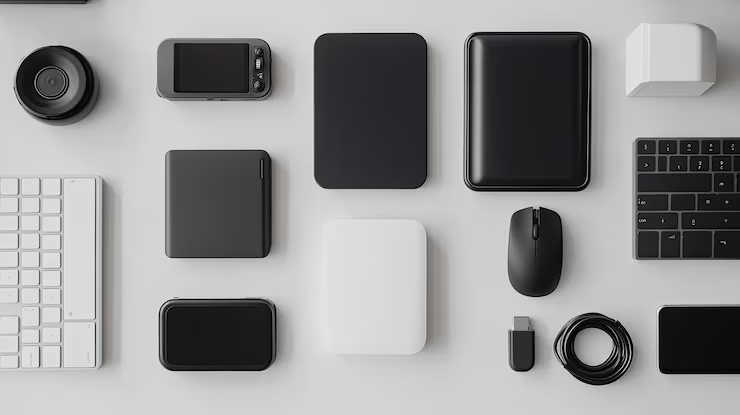
Hardware Procurement
Computer Configurations:
Basic – Typing, browsing, office work.
Mid-Range – Multimedia, coding, general IT training.
High-End – CAD, AI, graphic design, video editing.
Peripherals & Extras
Monitors, keyboards, mice, headsets, webcams
Printers, scanners, and projectors (if required).
Step 4
Networking & Power Setup
Networking
Gigabit Ethernet cabling with managed switches.
Secure Wi-Fi for mobile devices.
VLAN setup for restricted internet access.
Power
Dedicated lines with surge protection & proper earthing.
UPS systems for uninterrupted operation.

Step 5
Software Installation
Licensed OS (Windows/Linux).
Productivity tools (MS Office, LibreOffice, Google Workspace).
Specialized software (AutoCAD, MATLAB, Adobe CC, Tally).
Security software (antivirus, firewall).
Step 6
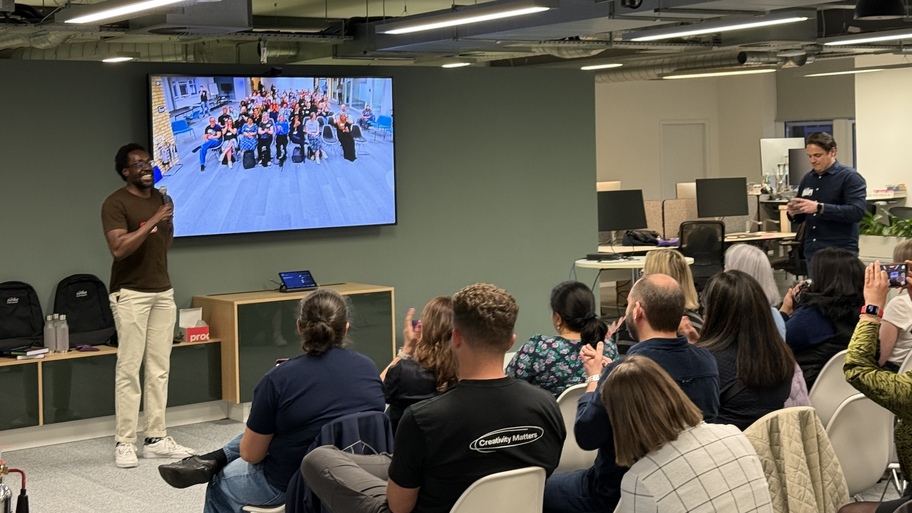
Testing, Training & Handover
Full hardware & network testing.
Staff training on operation & troubleshooting.
Handover of user manuals, warranty details, and AMC options.
Technical Specifications We Offer
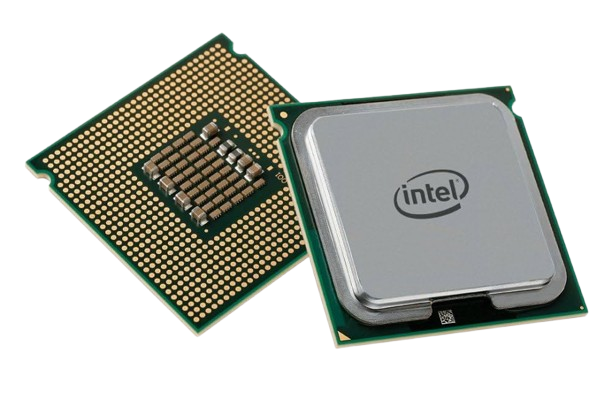
Processor
Basic
Intel i3 / Ryzen 3
Mid-Range
Intel i5 / Ryzen 5
High-End
Intel i7/i9 / Ryzen 7/9
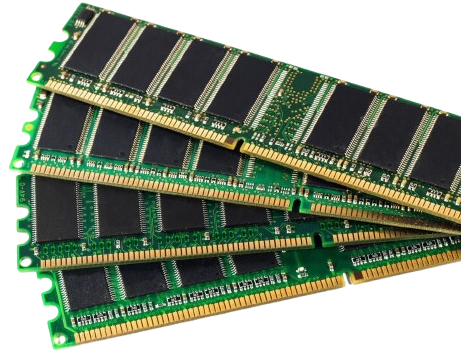
RAM
Basic
4GB DDR4
Mid-Range
8GB DDR4
High-End
16–32GB DDR4
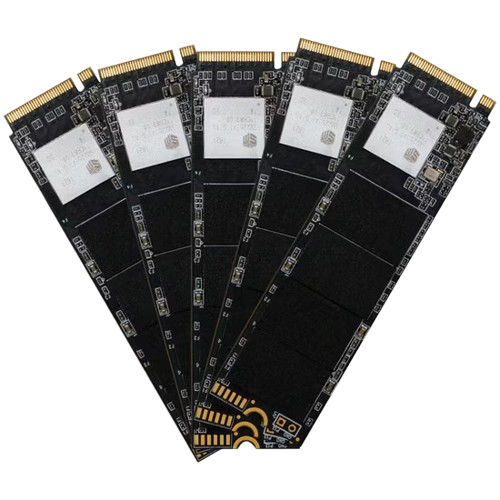
Storage
Basic
256GB SSD
Mid-Range
512GB SSD + 1TB HDD
High-End
1TB NVMe SSD
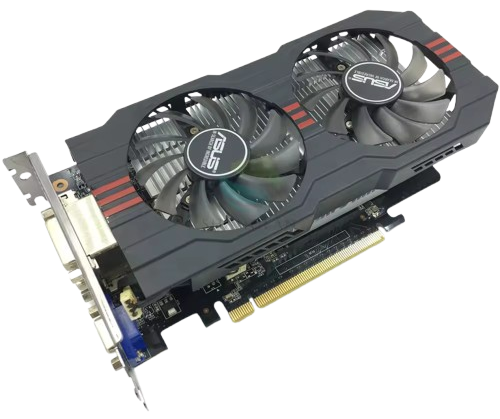
Graphics
Basic
Integrated UHD
Mid-Range
Dedicated 2GB GPU
High-End
Dedicated 4–8GB GPU
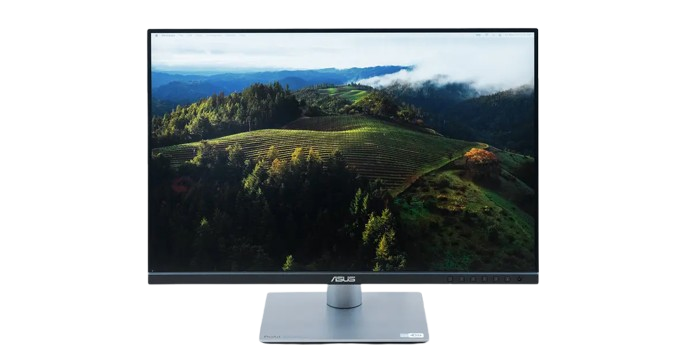
Monitor
Basic
19″ LED
Mid-Range
21.5″ LED
High-End
24″ IPS Full HD
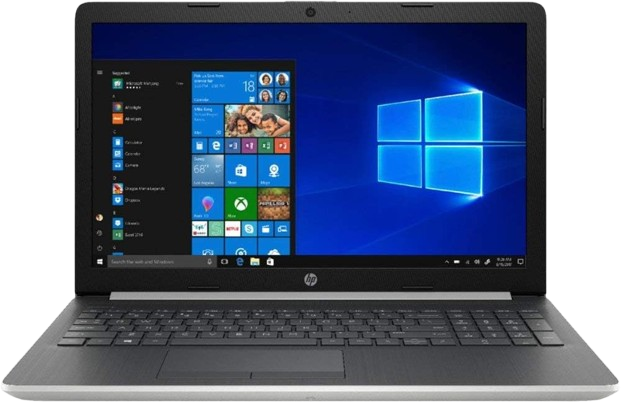
OS
Basic
Windows 11 / Ubuntu
Mid-Range
Windows 11 Pro
High-End
Windows 11 Pro
Key Features
Future-Ready Hardware
Latest-gen components for long service life.
Ergonomic Layouts
Reduce fatigue during long sessions.
Secure Networking
Firewalls, VLANs, content filtering.
Energy Efficiency
Low-power consumption systems.
Centralized Control
Teacher can monitor/control all student PCs.
AMC & Support
On-call and remote maintenance services.
Safety & Compliance
Proper earthing & surge protection.
Fire safety planning with extinguishers.
Cable management to prevent accidents.
Compliance with government digital education norms
Perfect For
Educational Institutions
Schools, colleges, universities.
Corporate Training Centers
IT skills & onboarding programs.
Vocational & Technical Institutes
CAD, coding, design, repair labs.
Government Projects
Skill development centers, CSCs, e-learning hubs.
Why Choose Vedsar?
One-Stop Solution
From design to delivery.
Nationwide Installation
Anywhere in India.
Top Brands
Dell, HP, Lenovo, Acer, Intel, AMD
Budget Flexibility
Configurations for every price range.
Post-Installation Support
Maintenance, upgrades, troubleshooting.
Let’s Build Your Dream Setup Today!
Fill out the form or call our experts for a personalized quote.